Caught and Wave
Awkward eye contact, a little wave, then the curtain.
Make your window peeper video
Three choices and one tap. The stare and the curtain are already timed.
About Caught and Wave
Awkward eye contact, a little wave, then the curtain. Choose the look you want for your video.
Caught and Wave focuses on the moment after two people unexpectedly make eye contact. A small wave breaks the silence before the curtain closes. It is a lighthearted option for a window peeper video with an especially human reaction.
Tips for your photo
Choose a sharp image with the subject clearly visible. Show the outfit or features you want to keep in the scene.
Photo tips for this scene
- Use a front-facing or slightly angled photo with both eyes visible.
- Choose a photo with enough light to show the person's expression.
- Keep the face free of sunglasses or objects that hide the eyes.
The scene idea
A person sits inside a lit room while the viewer looks in from outside. The scene's visual story moves from a surprised look to a wave, then to the curtain.
Scene questions
What is the main action in Caught and Wave?
The defining gesture is a small wave after the subject notices the viewer at the window.
What kind of expression should I choose?
A natural, relaxed expression works well with the scene's awkward and friendly mood.
How does it differ from the food scenes?
The wave and the exchange of looks carry the joke, rather than a particular meal or snack.
Other scenes
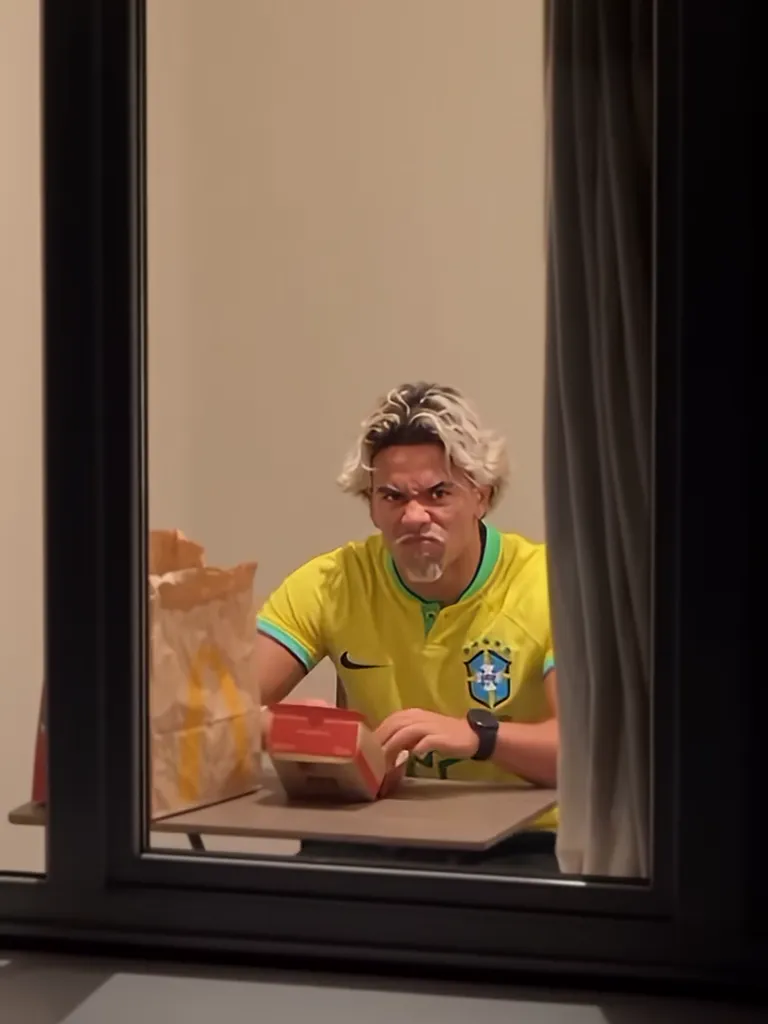 01
01Burger at Night ↗
The original: caught mid-bite, the stare, the curtain.
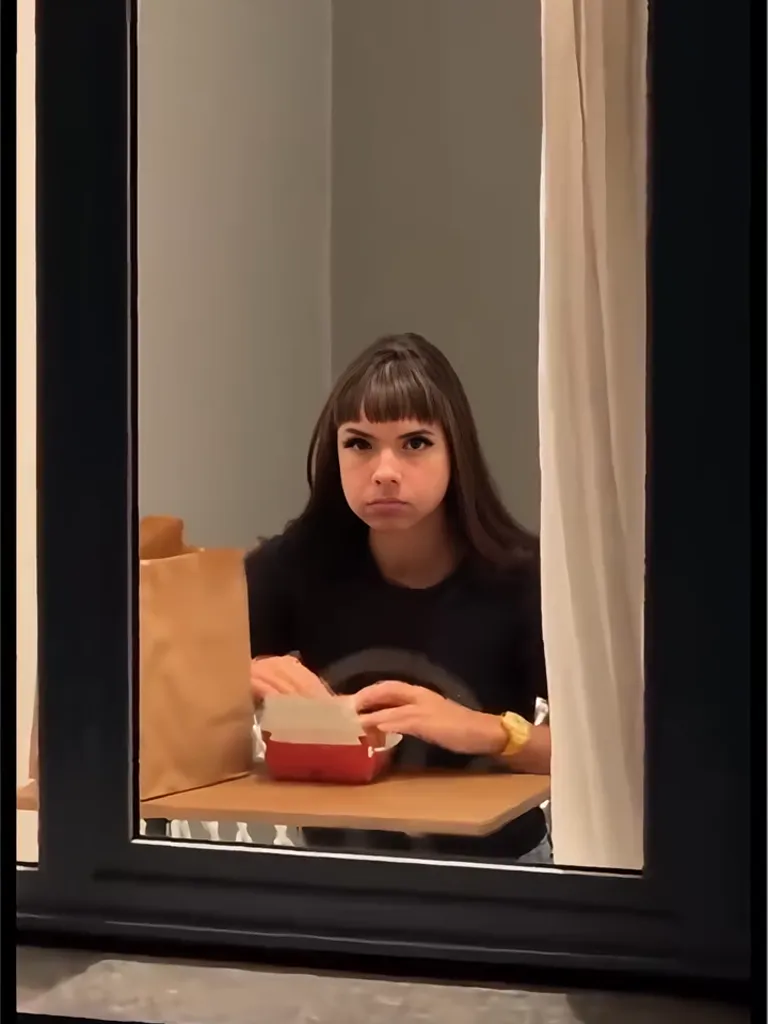 02
02Burger Thru Window ↗
Caught, then offering a bite through the window.
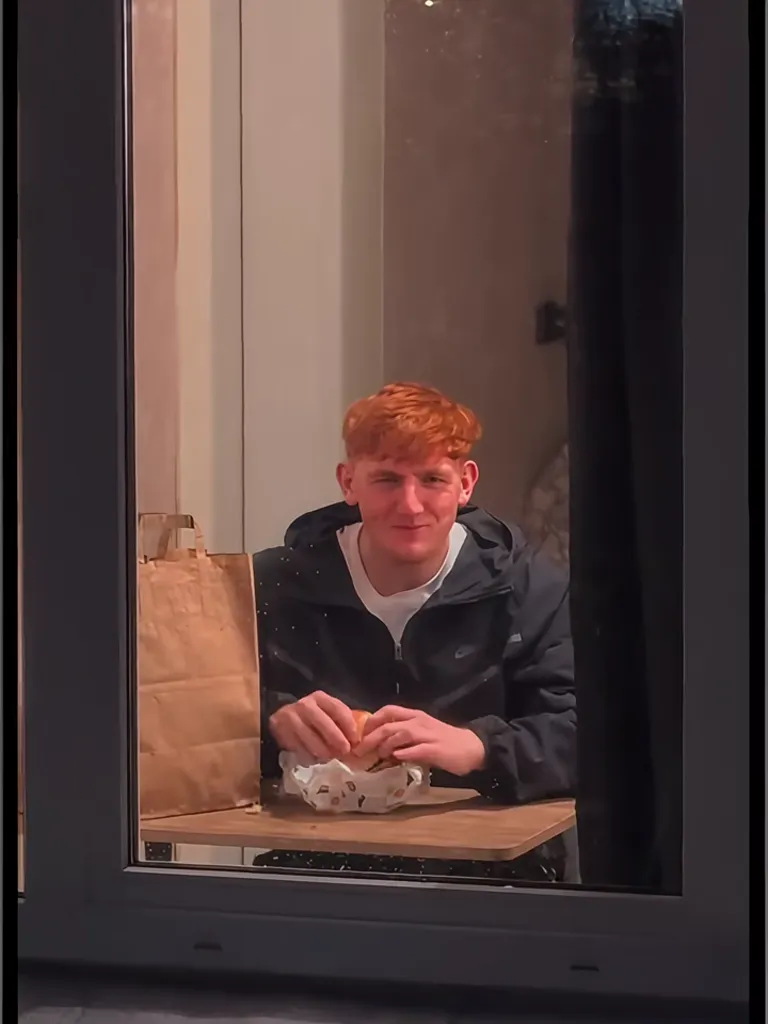 03
03Caught and Wave ↗
Awkward eye contact, a little wave, then the curtain.
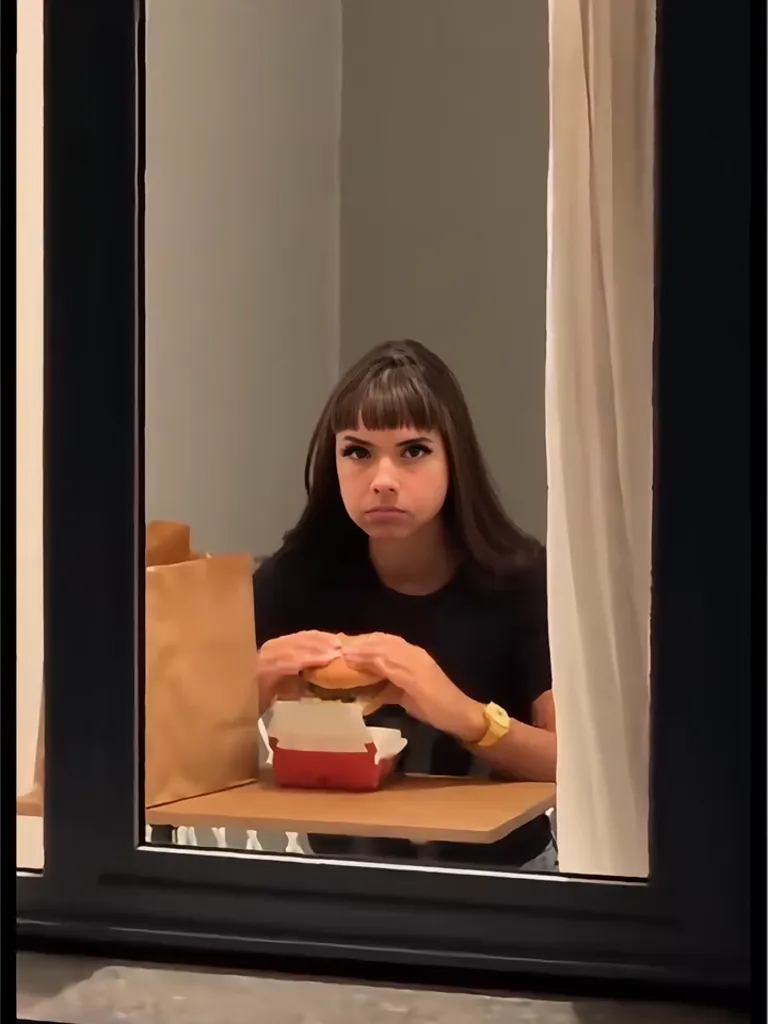 04
04Midnight Noodles ↗
A bowl of noodles, a slurp, and the stare.
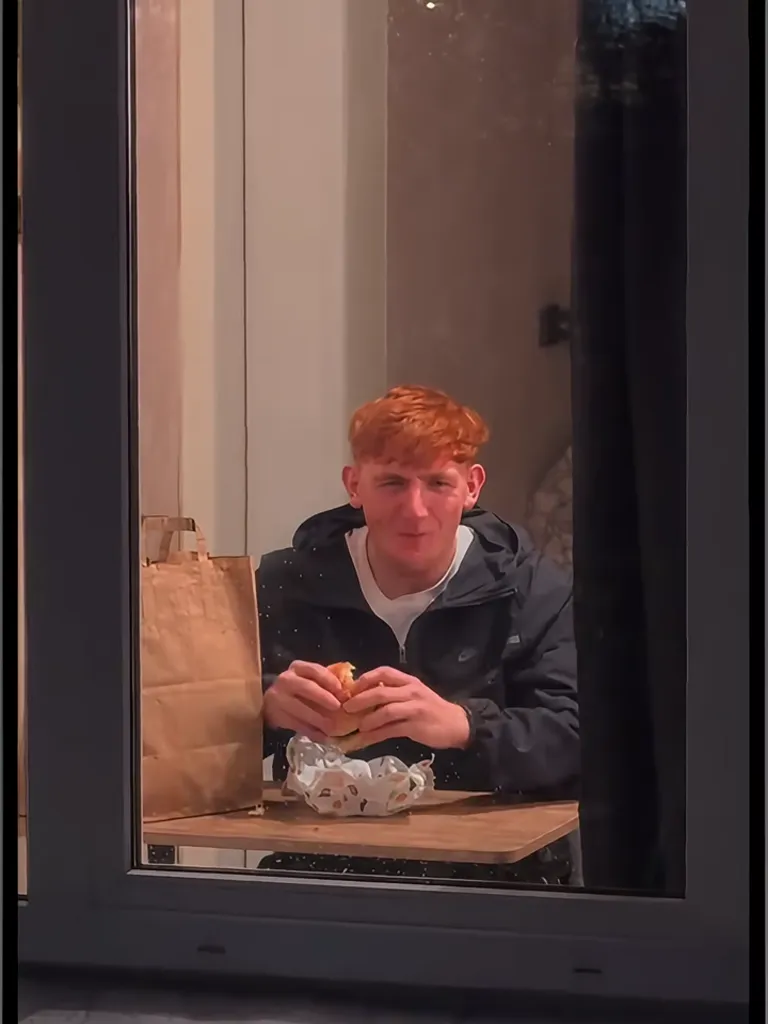 05
05Pizza Slice ↗
A floppy slice, a cheese pull, and a frozen stare.
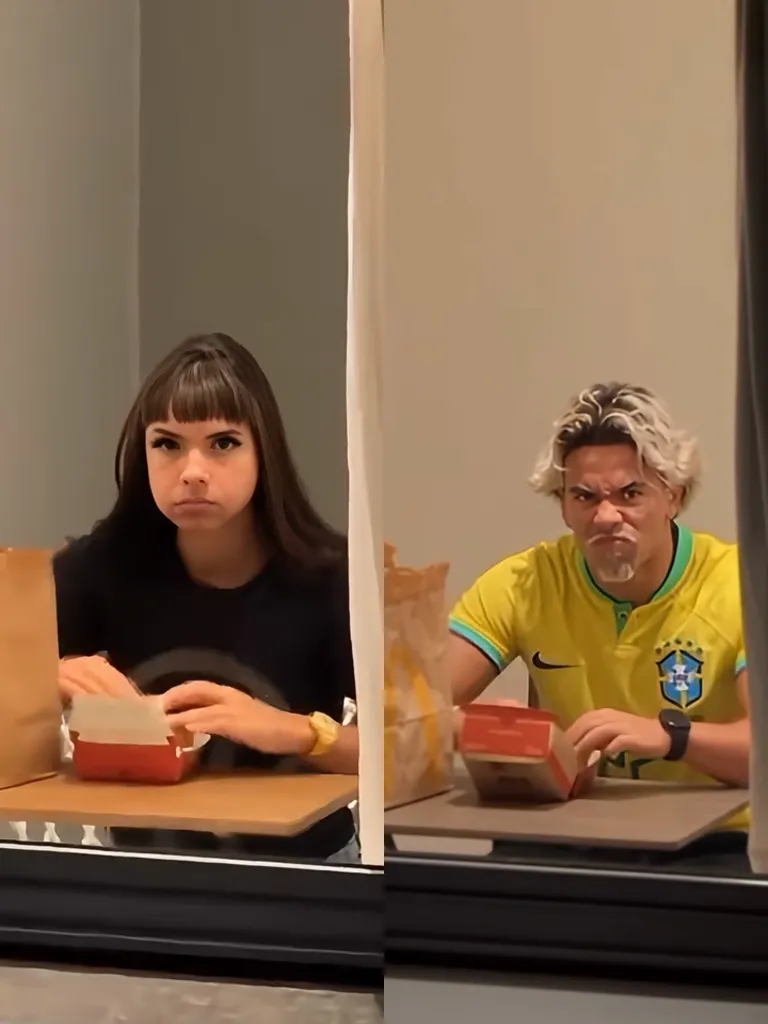 06
06Couple Dinner ↗
Two people, one table, both caught at once.
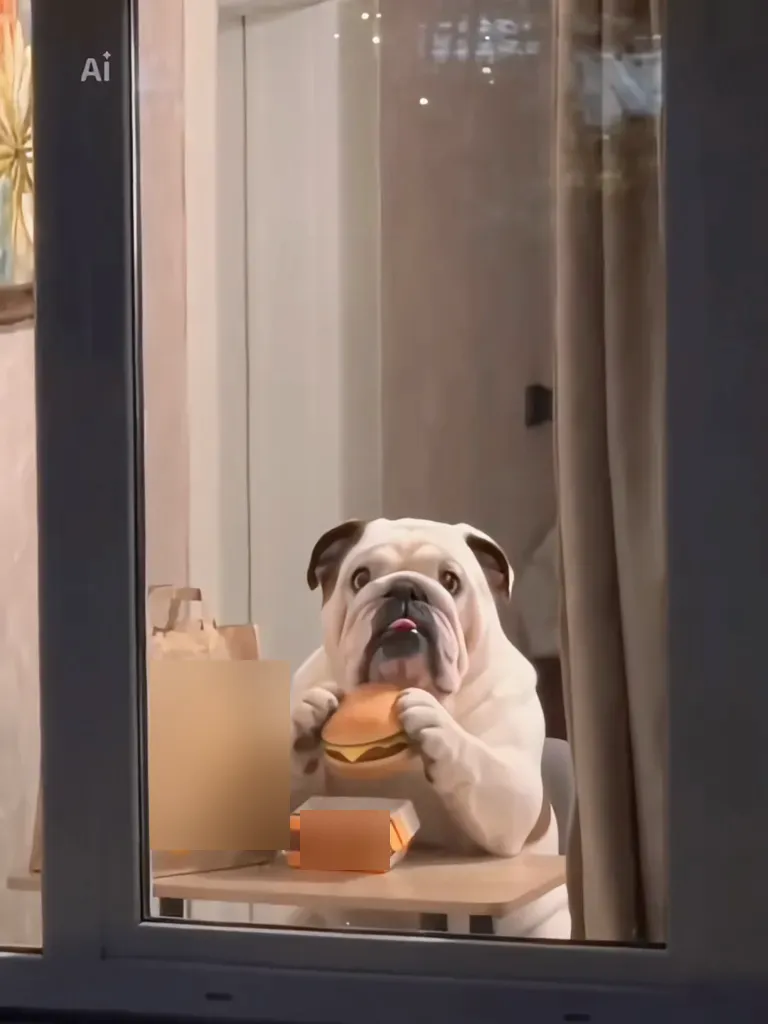 07
07Pet at the Window ↗
Your dog or cat, caught with a burger.
FAQ
What is the window peeper trend?
A short video format with a lit window, a surprised stare and a closing curtain.
Which scene should I choose?
Choose the scene that fits your photo and the moment you want to create.
Can I make a video now?
The generator interface is available to explore. Video generation is coming later.